Connect Microsoft Azure AD with Registrix
The Registrix integration with Microsoft Azure AD helps you to manage your participants centrailly though Microsoft Azure AD. When you use Registrix with Microsoft Azure AD you can configure single sign-on (SSO) and manage provising and deprovisioning Registrix Participants thru Azure AD.
It's easiest if you keep both Registrix Vive and the Microsoft Azure Portal open in two different tabs in your web browser.
Requirements
1.) An admin account in Registrix Vive that has the SSO services
2.) A Microsoft Azure subscription
3.) An Azure AD user account with a valid email address
How to add Registrix to Microsoft Azure AD
1.) Sign in to the Microsoft Azure Portal.
2.) Click Azure Active Directory.
3.) Click Enterpise Applications.
4.) Click New Application.
5.) Choose Registrix from the All category.
6.) Leave the Name as Registrix
7.) Click Create.
Configure single sign-on for Registrix
1.) Sign in to the Microsoft Azure Portal.
2.) Click Azure Active Directory.
3.) Click Enterpise Applications.
3.) Click on Get Started in the Setup Single Sign On box.
4.) Click on SAML.
5.) Click on Edit in the Basic SAML Configuration.
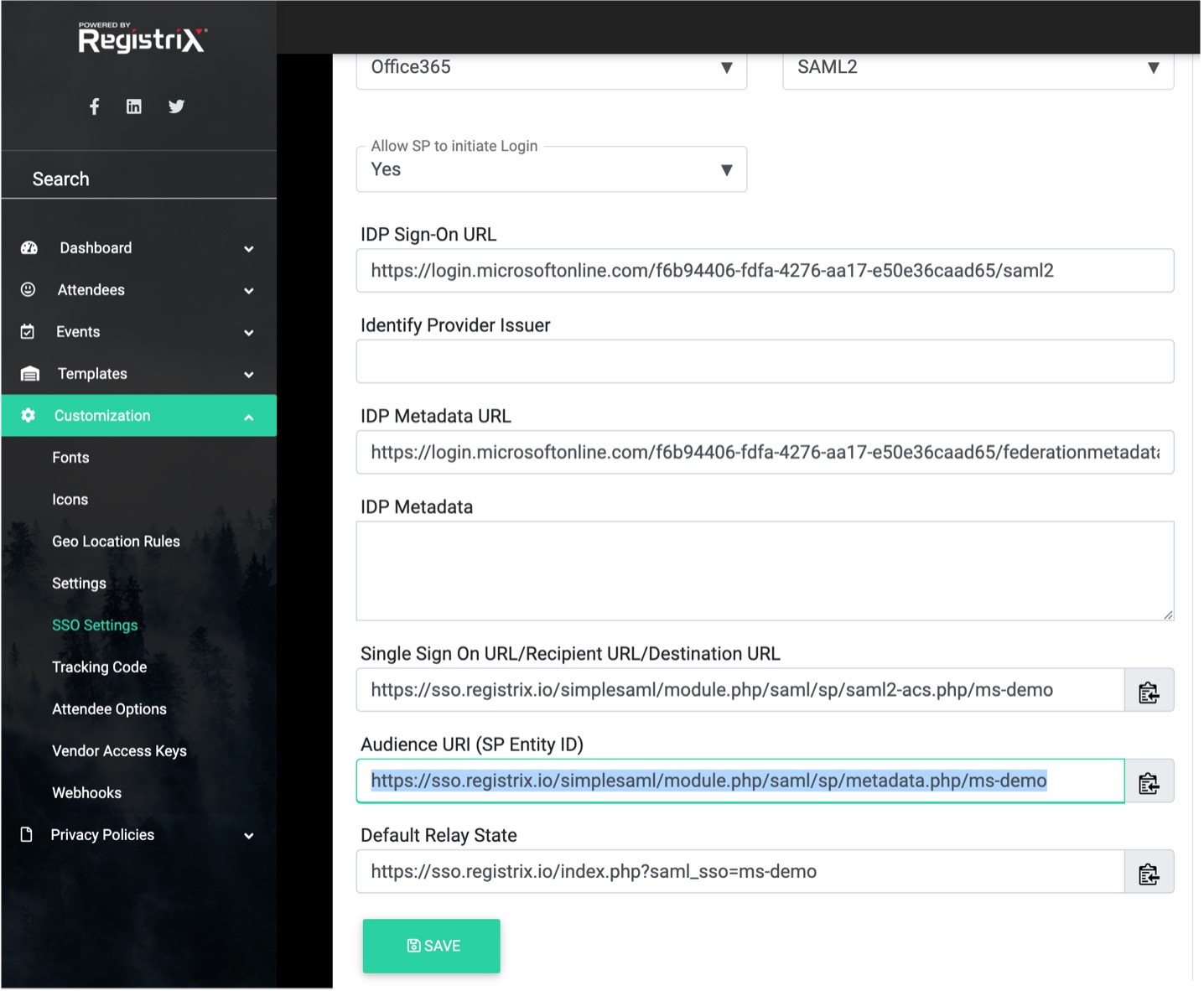
6.) Paste the URL from Registrix Vive called Single Sign On URL into the Sign On URL
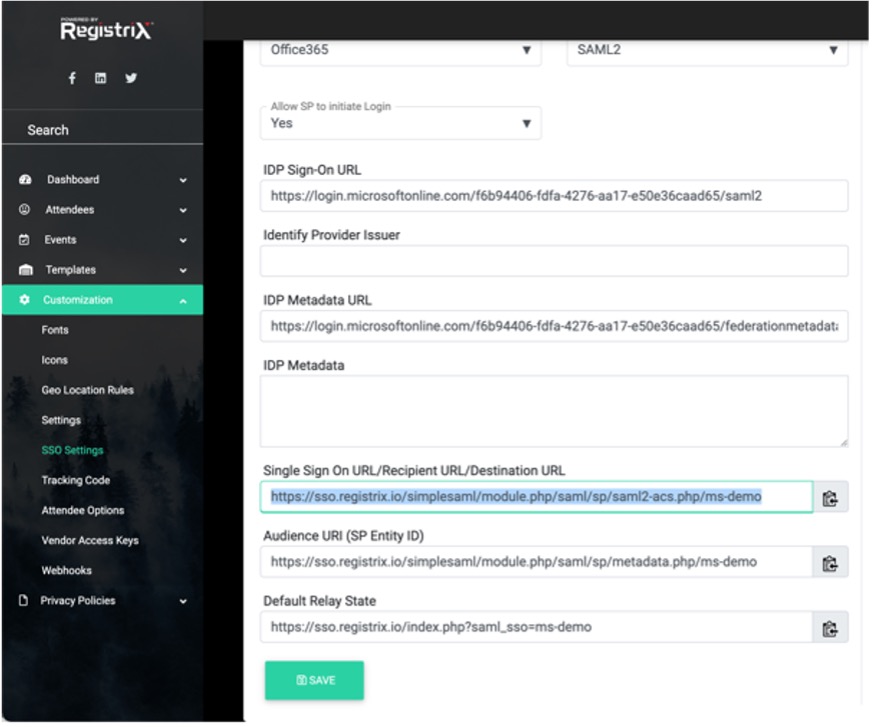
7.) Click on the Add reply URL (Assertion Consumer Server URL).
8.) Paste the URL from Registrix Vive called Audience URI (SP Entity ID).